You’ve got your colour palette. You’ve built your theme system. Now comes the part that actually matters — making sure people can read your site in both light and dark modes. It’s not as simple as “dark text on light, light text on dark.” You’ve got ratios to hit, bilingual text to handle, and the knowledge that bad contrast kills accessibility and your reputation.
We’re going to walk through the tools that matter, the techniques that work, and the gotchas you’ll hit along the way. This isn’t theoretical stuff — it’s what actually happens when you’re testing a real site with English and Chinese content, switching between themes, and trying to make both look good.
The Tools That Actually Work
There’s no shortage of contrast checkers online. Most of them do the job. But we’ve found a few that go beyond the basics and give you the real insight you need when you’re juggling two themes.
WebAIM Contrast Checker
Dead simple. Paste in your hex values, it tells you the ratio and whether you’ve hit AA or AAA. You’ll use this fifty times a day. It’s not fancy, but it’s reliable, and it handles both light and dark backgrounds without confusion.
Accessibility Insights (Chrome Extension)
This one’s more powerful. Run it on your live page, and it’ll flag every contrast violation across the entire site. You see which elements fail, which ratio they’re hitting, and it works on both light and dark theme views. The visual overlay helps you spot problems instantly.
Polypane Browser
If you’re testing both themes simultaneously, Polypane lets you view your site in multiple viewport configurations at once. You can literally see light and dark side-by-side, spot inconsistencies, and test how your contrast changes between them. It’s an investment, but saves hours.
Understanding the Numbers
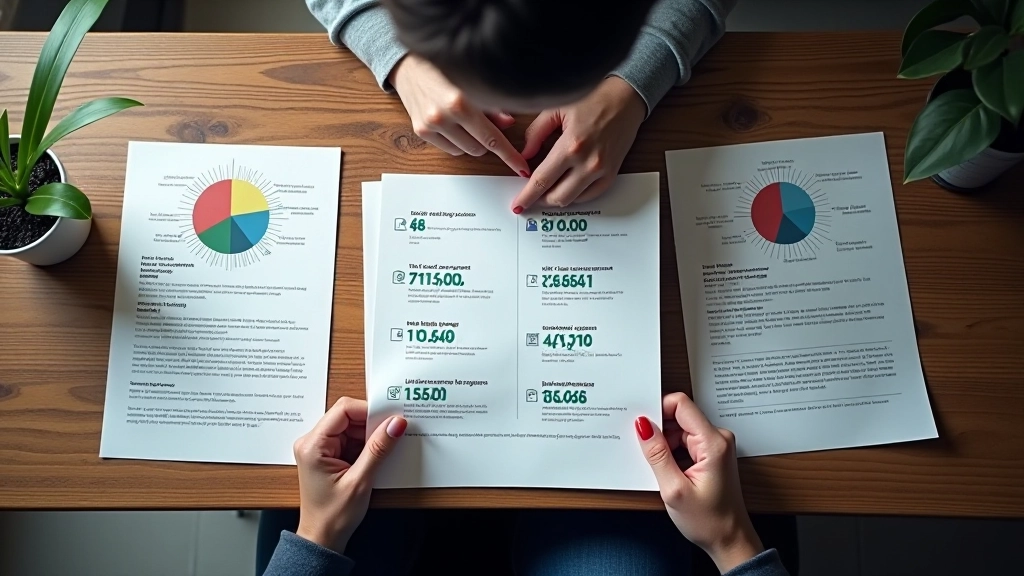
WCAG AA requires a 4.5:1 contrast ratio for normal text and 3:1 for large text (18pt or larger, or 14pt bold or larger). AAA is stricter — 7:1 for normal text, 4.5:1 for large text.
Here’s what matters: that ratio has to work for BOTH your light and dark themes. A colour that looks good in one theme might fall below the threshold in the other. So you don’t just test once. You test your light mode, you test your dark mode, and you check every colour combination.
Most sites aim for AA compliance. AAA is the gold standard, but it’s harder to achieve without making your palette feel flat. Be honest about your target — if you’re saying AA, test to AA. If you’re targeting AAA, commit to it.
The Bilingual Problem You Didn’t Expect
English and Chinese text render differently on screen. The font weights, sizes, and visual density aren’t the same. You might hit perfect contrast ratios with your English copy and find that the same colour pairing looks muddy or hard to read when you switch to Chinese text.
This happens because Chinese characters have more strokes and higher visual weight than Latin letters at the same font size. A ratio that works for English might feel too thin for Chinese. You’ll need to either increase the font size for Chinese, use a bolder font weight, or adjust your colour pairs.
What we mean:
English: “Testing contrast is critical” might hit 5.5:1 and feel perfectly readable. Chinese: “測試對比度至關重要” with the same colour pair at the same ratio can feel harder to parse because each character carries more visual information.
Your Testing Workflow
Test Your Palette in Isolation
Before you touch your design, run every colour combination through WebAIM. Document which pairs hit AA and which hit AAA. Create a reference sheet — “Primary text on primary background: 5.2:1 “. You’ll refer to this constantly.
Test in Context on Your Live Site
Run Accessibility Insights on your actual pages in light mode. Fix failures. Then switch to dark mode and run it again. You’ll probably find new violations you didn’t catch in isolation — anti-aliasing, font rendering, and proximity effects change how readable text feels.
Test Both Languages
Don’t just look at your English pages. Load the Chinese version. If the ratios are the same but the readability feels different, you need to adjust. Sometimes this means slightly different colour pairs for different languages, or different font weights. It’s not ideal, but it’s better than unreadable text.
Test with Real Brightness Settings
The tool says you’re good, but your testing monitor is cranked to 100% brightness. Test on a regular monitor at normal brightness. Test on a phone screen in daylight. Contrast that looks fine in a dark room might disappear in bright sunlight. This is where real-world testing matters.
Specific Numbers You’ll Hit
Let’s get concrete. You’re working with a dark theme. Your primary background is #0a1628. Your light text is #f0f9ff. That’s 15.8:1 — crushing it. But what about your secondary text at #bae6fd? That’s 8.2:1. Still solid.
The trouble comes with cards and accents. You add a card background of #0f2240 and try to use #7dd3fc for secondary text inside it. That’s 4.1:1 — barely AA compliant. It works on paper, but when you look at it on screen, especially with Chinese text, it feels thin. You’ll adjust the text to #38bdf8 and suddenly you’re at 5.8:1. Much better.
The pattern you’ll notice: dark backgrounds and light text almost always work. The problems appear with layered backgrounds — cards inside sections, buttons over backgrounds, focus states. That’s where you’ll spend testing time.

Common Testing Mistakes
Testing Only One Theme
You verify everything passes in light mode and call it done. But your dark mode uses different colours, and you haven’t tested them. Don’t skip this. Your users will switch themes.
Ignoring Context
A colour pair might hit 4.5:1 in the tool, but when it’s small body text on a gradient background with anti-aliasing artifacts, it’s hard to read. The ratio matters, but context matters too.
Not Testing Bilingual
Your English pages look great. You launch the Chinese version and realize the same colour pair that felt readable for English feels murky for Chinese. Test both languages with both themes from day one.
Forgetting Interactive States
You tested your normal text. Did you test hover states? Focus indicators? Disabled buttons? These often have different colour pairs, and they need testing too.
The Real Test
Numbers matter. Tools help. But the real test is this: can you read it? Can someone with less-than-perfect vision read it? Can a user on a phone in bright sunlight read it? If the answer is yes in light mode, dark mode, English, and Chinese, you’re done. You’ve actually tested contrast.
Start with the tools. Build your reference sheet of what works. Test in context. Don’t skip the bilingual part. And be willing to adjust your colours if the real-world test reveals something the ratio missed. That’s how you get contrast right.
Educational Information
This article provides educational guidance on WCAG contrast testing and accessibility practices. WCAG 2.1 standards are maintained by the W3C and evolve over time. Specific ratios and technical requirements mentioned here are accurate as of 2026 but you should verify against current WCAG guidelines for your particular project. Contrast testing is one part of accessible design — proper colour selection, font choices, and user testing are equally important. Results vary based on monitor settings, browser rendering, and individual perception.

Related Articles